

Human Agents Management
Configure and manage human agents to provide seamless customer support alongside AI agents.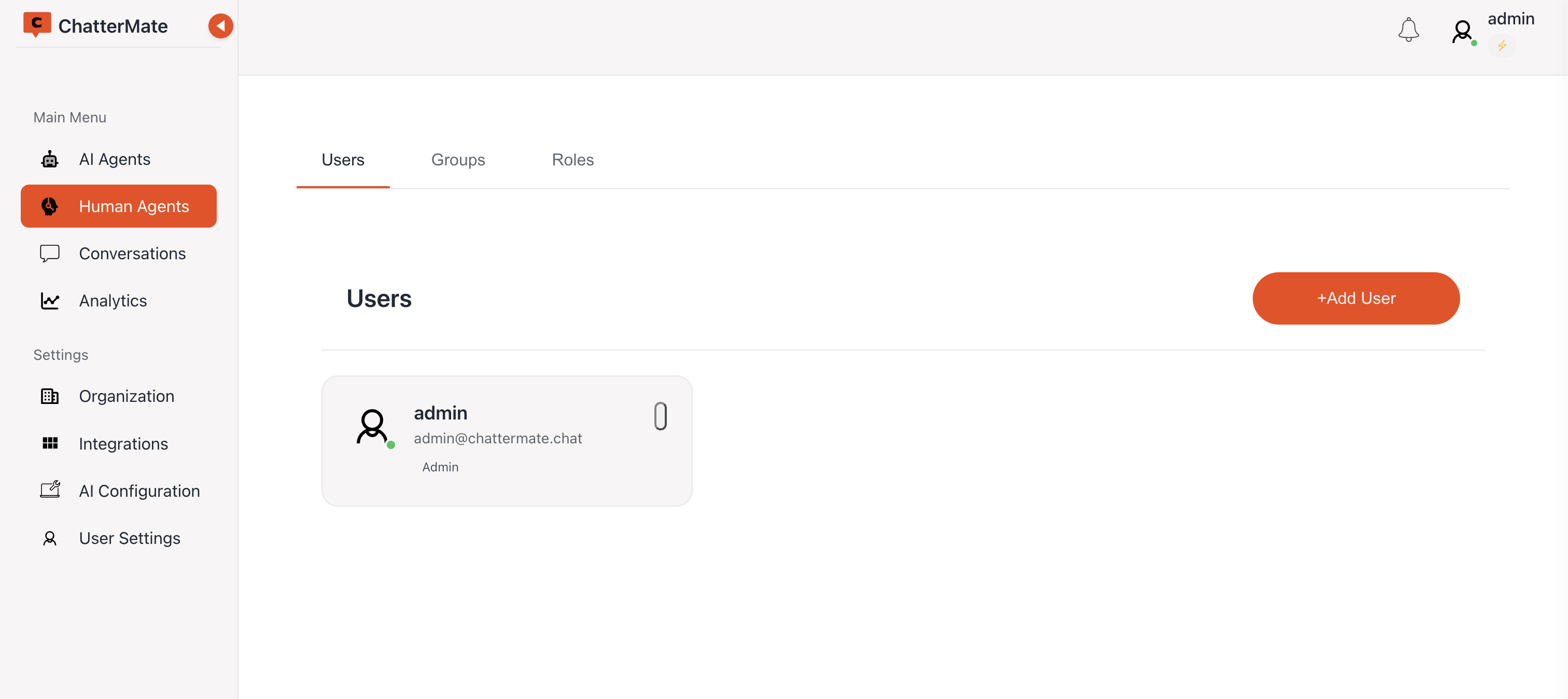
User Management
Adding Users
- Click “+Add User” in the Users tab
- Fill in user details:
- Full Name
- Email Address
- Role Selection
- Chat access
- Active Status
- Password (for new users)
Chat Access
Two checkboxes next to the role dropdown decide which conversations the person can work on, so you do not have to visit the Roles screen first:- All AI chats — ticked by default. They can pick up any conversation the AI is handling, not only the ones assigned to them.
- All chats in the organization — off by default. Useful for covering a colleague on leave.
You cannot grant a permission you do not hold yourself. The checkboxes are hidden for a role where they would grant nothing, such as
super_admin.Resetting a Password
An admin can reset a teammate’s password from the Human Agents list without the person going through the forgotten-password flow. The same strength rules below apply.Password Security
- Minimum 8 characters required
- Must include uppercase and lowercase letters
- Must include numbers and special characters
- Real-time password strength indicator
- Secure password validation
User Status Options
- Active: Full system access enabled
- Inactive: Access temporarily suspended
- Status can be changed anytime
Groups Management
Creating Support Groups
- Navigate to Groups tab
- Click “+Add Group”
- Set group name and description
- Configure group settings
Group Features
Edit Group
Customize group settings and details
Manage Members
Control group membership
Member Management
- Add or remove group members
- View member information
- Manage member roles
- Track member status
Roles & Permissions
Next: Learn how to manage roles and permissions